Steer the robots
Each robot needs to reach its station. You move them with the same keys that move Vim's cursor.
h j k l
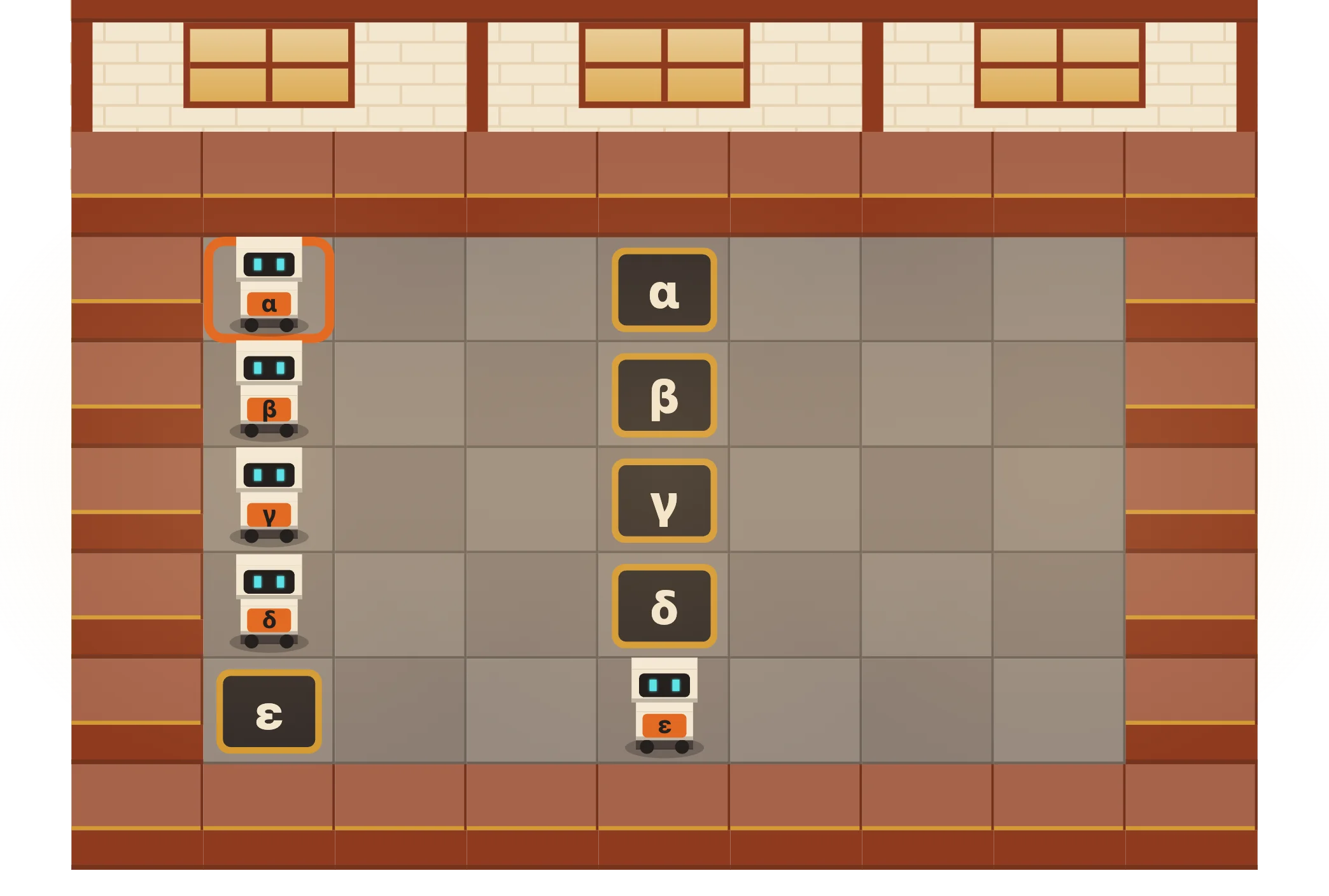


Steer robots with the keys Vim uses, then fix lines of text to bring the machines online. Short lessons, right in your browser, with a keyboard or the on-screen keys.
Lesson 1 starts on the factory floor.
Each robot needs to reach its station. You move them with the same keys that move Vim's cursor.
h j k l
From lesson 17. The oiler can't read this line.
Line 1: oil the gearr. Cursor on “o”.
Steer robots one tile at a time, or several with a count.
h j k l 3l
Jump to the start, the first letter or the end of a line.
0 ^ $
Hop forward and back a whole word at a time.
w b e
Delete, insert, change and replace text. Undo a slip, repeat an edit and find a character.
x i a A d c r u . f ;
Get around a longer sheet: top, bottom and search.
gg G / n N
Delete, copy and paste whole lines.
dd yy p
Save your work and close the file.
:w :q :wq :q!